
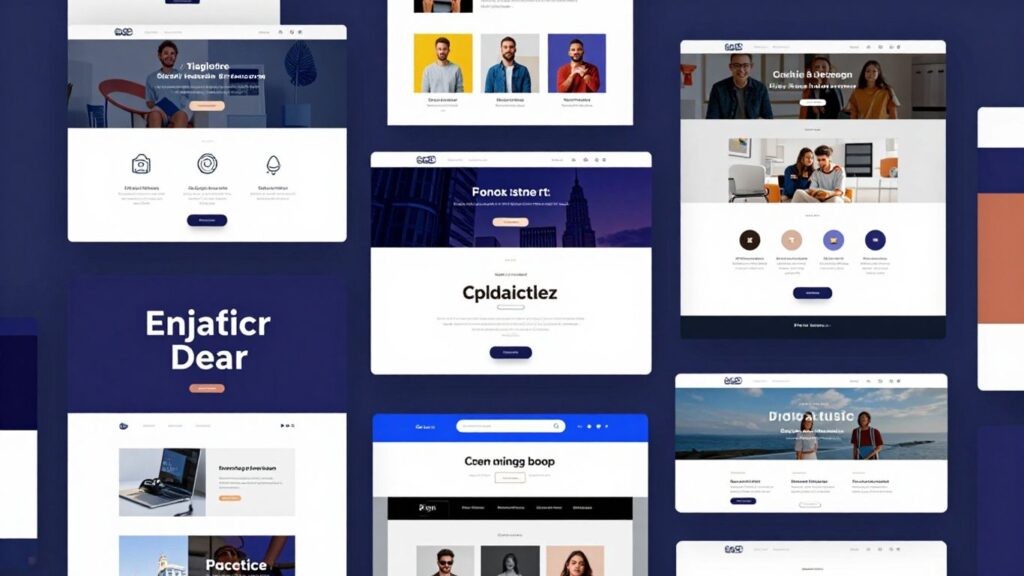
So, you’re looking to make your website a bit more… well, *you*? It’s easy to get lost in all the talk about fancy design trends, but honestly, what matters is a site that works for your business. We’ve gathered some cracking website design examples that really nail it, showing you how to make your online space work harder without being a total headache. Think less about complicated jargon and more about what actually connects with people.
Key Takeaways
- Make your homepage grab attention straight away with strong images or videos.
- Organise your site so people can find what they need easily, with clear buttons.
- Use fonts that are easy to read and help people understand what’s important.
- Pick colours that match your brand and don’t make the page too busy.
- Add little touches that make using the site enjoyable, like subtle animations.
Showcasing Stunning Visual Storytelling
These days, people don’t just want to read about your business; they want to see it. Visual storytelling is all about using images, videos, and design to tell a compelling story about your brand. It’s how you connect with people on an emotional level and make them remember you. Think of it as painting a picture with pixels.
Captivating Homepage Hero Sections
Your homepage hero section is the first thing visitors see. It needs to grab their attention straight away. A strong hero section uses striking visuals and clear messaging to tell people what you do and why they should care. It’s your digital handshake, so make it a good one.
- Use a high-quality, relevant image or video.
- Keep the text concise and impactful.
- Include a clear call to action.
For businesses in Horsham, getting this right can make a huge difference. Local web design services can help you create a hero section that really stands out, even on a tight budget. They handle the copy, images, and design, so you don’t have to worry about the technical side. This means you get a professional look that attracts more local customers.
Immersive Image Galleries
Galleries aren’t just for showing off photos; they’re for drawing people into your world. Whether you’re showcasing products, past projects, or your team, a well-arranged gallery can tell a story. Think about how you can group images logically or use captions to add context. It’s about creating an experience, not just a slideshow. You can find some great examples of how to do this effectively in scrollytelling examples.
Engaging Video Integrations
Video is incredibly powerful. It can explain complex ideas quickly, show your product in action, or introduce your team. When integrated well into your website, videos can keep visitors engaged for longer. It’s not just about sticking a YouTube video on a page; it’s about making it part of the overall design and user journey. Consider short, punchy videos that get straight to the point.
Good visuals make your website feel more real and trustworthy. They help people understand what you offer without having to read a lot of text. It’s a shortcut to building a connection.
Getting these visual elements right doesn’t have to be complicated or expensive. Many local Horsham web design companies specialise in creating these kinds of engaging websites for small businesses. They can sort out the copy, images, and even the hosting and local SEO, meaning you can focus on running your business while they handle the technical bits to get you more local enquiries.
Intuitive Navigation For Seamless Journeys
Getting around a website should feel as natural as walking into a familiar shop. If people can’t find what they’re looking for quickly, they’ll likely leave. That’s where good navigation comes in. It’s the backbone of a good user experience, guiding visitors without them even having to think about it.
Clear Menu Structures
Think of your menu as the main signpost. It needs to be obvious and easy to understand. Grouping related pages together makes sense. For example, all your ‘About Us’ information should be in one place, not scattered across the site. A well-organized menu helps people find what they need without confusion. It’s about making choices simple. If you have a lot of content, a mega menu can be a lifesaver, showing off all the options in a clear, organised way.
Strategic Call-to-Action Placement
Once people are on your site, you want them to do something, right? Whether it’s buying a product, signing up for a newsletter, or getting in touch, your calls to action (CTAs) need to be visible. They shouldn’t be hidden away. Placing them where they’re easy to spot, like after a section of useful information or on a product page, makes a big difference. A clear CTA tells people exactly what to do next.
User-Friendly Search Functionality
Even with the best menus, sometimes people just want to type in what they’re looking for. A search bar is a must-have, especially for sites with lots of pages or products. Make sure it’s easy to find, usually at the top of the page. Good search results are also key; they should be relevant and quick. For businesses in Horsham, getting this right means more local customers can find you. That’s why services like Web Design in Horsham focus on creating low-cost, done-for-you websites. They handle the copy, images, hosting, and local SEO, so you get more local enquiries without any of the technical hassle. It’s a smart way for busy business owners to improve their online presence.
Good navigation isn’t just about listing pages; it’s about understanding how users think and making their journey as smooth as possible. It’s the difference between a visitor staying and exploring, or leaving to find a competitor.
Here’s a quick check for your menus:
- Is the main menu visible on every page?
- Are the labels clear and concise?
- Are related pages grouped logically?
- Are there clear calls to action guiding users?
Mastering Typography For Readability
Choosing the right fonts and how you use them makes a big difference to how easy your website is to read. It’s not just about picking something that looks nice; it’s about making sure people can actually take in the information you’re sharing without their eyes getting tired.
Font Pairings That Pop
Finding two fonts that work well together can be tricky. You want them to complement each other, not fight for attention. A common approach is to pair a more distinctive font for headings with a simpler, very readable font for the main text. Think about a bold, perhaps slightly decorative heading font, followed by a clean sans-serif for paragraphs. This contrast helps guide the reader’s eye and adds personality without sacrificing clarity. For instance, a serif font like ‘Merriweather’ for headlines can look great paired with a sans-serif like ‘Open Sans’ for body text. It gives a professional feel and is easy on the eyes.
Hierarchy Through Type
How do you tell people what’s most important on a page? Typography is a big part of that. By using different font sizes, weights (like bold or light), and even colours, you create a visual order. The biggest, boldest text should be your main heading, followed by subheadings, and then the regular body text. This structure helps people scan your page quickly and find what they’re looking for. It’s like signposting for your content. Making sure your typographic scale connects to CSS custom properties, assigning roles like body, header, or subheader, builds a consistent and accessible design system consistent and accessible design system.
Legible Body Text
This is where most of your content will live, so it needs to be super easy to read. Avoid fonts that are too thin, too condensed, or have very unusual letter shapes. A good rule of thumb is to stick to fonts that are designed for reading on screens. Sans-serif fonts are often favoured for body text because they tend to be cleaner and simpler. However, well-chosen serif fonts can also work well. The key is the x-height (the height of lowercase letters like ‘x’) and the spacing between letters and lines (leading). Generally, a larger x-height and generous line spacing make text much more comfortable to read for longer periods.
Good typography isn’t just about aesthetics; it’s about communication. If your text is hard to read, your message gets lost, and visitors will likely leave. It’s a simple but often overlooked aspect of web design.
For busy business owners in Horsham, getting this right can feel like another task on an already full plate. That’s where local web design services come in. They can handle all the technical bits, including crafting clear, readable text for your website, so you don’t have to worry about it. This means you get a professional online presence that attracts local customers without you needing to become a typography expert.
Colour Palettes That Evoke Emotion
Choosing the right colours for your website is more than just picking pretty shades; it’s about speaking a visual language that connects with your visitors. Different colours bring different feelings to mind. Think about how a bright yellow can make you feel cheerful, or how a deep blue might bring a sense of calm. Getting this right can really shape how people perceive your brand.
Brand Consistency Through Colour
Your website’s colours should align with your overall brand identity. If your logo uses specific shades, stick to them. This helps people recognise you instantly. It builds trust because it feels familiar. For example, if your business is all about being reliable and professional, you’ll probably want to avoid neon pinks and stick to more grounded tones. It’s about making sure the colours you use tell the same story as your business.
Strategic Use Of White Space
Don’t be afraid of empty space on your web pages. It’s not wasted room; it’s called white space, and it’s incredibly useful. It gives your content room to breathe, making it easier to read and digest. Imagine a cluttered room versus a tidy one – which one feels more relaxing? White space does the same for your website. It helps guide the visitor’s eye to the important bits, like your contact details or a special offer. It stops everything from feeling overwhelming. For businesses in Horsham looking to make a splash online without the technical hassle, services like Web Design in Horsham provide low‑cost, done‑for‑you websites. They handle the copy, images, hosting, and local SEO, meaning busy business owners can get more local enquiries without touching any of the technical work themselves.
Accessibility Considerations
It’s really important that everyone can use your website, no matter their abilities. This means thinking about colour contrast. For instance, light text on a light background is hard for anyone to read, but especially for people with visual impairments. Tools are available to check if your colour combinations meet accessibility standards. This isn’t just good practice; it means more people can actually use and understand your site. It’s about being inclusive. The specific shade and context of a colour are important in determining its perceived emotional impact [6711].
When selecting colours, consider the emotional response you want to trigger. Do you want visitors to feel excited, calm, or perhaps curious? Your colour choices are a direct line to their feelings.
Here are some common colour associations:
- Blue: Trust, calm, stability
- Red: Urgency, passion, excitement
- Green: Nature, growth, health
- Yellow: Optimism, warmth, happiness
- Purple: Luxury, creativity, wisdom
- Orange: Enthusiasm, friendliness, energy
Understanding these associations can help you choose effective colour combinations to improve user experience [2572].
Interactive Elements That Delight Users
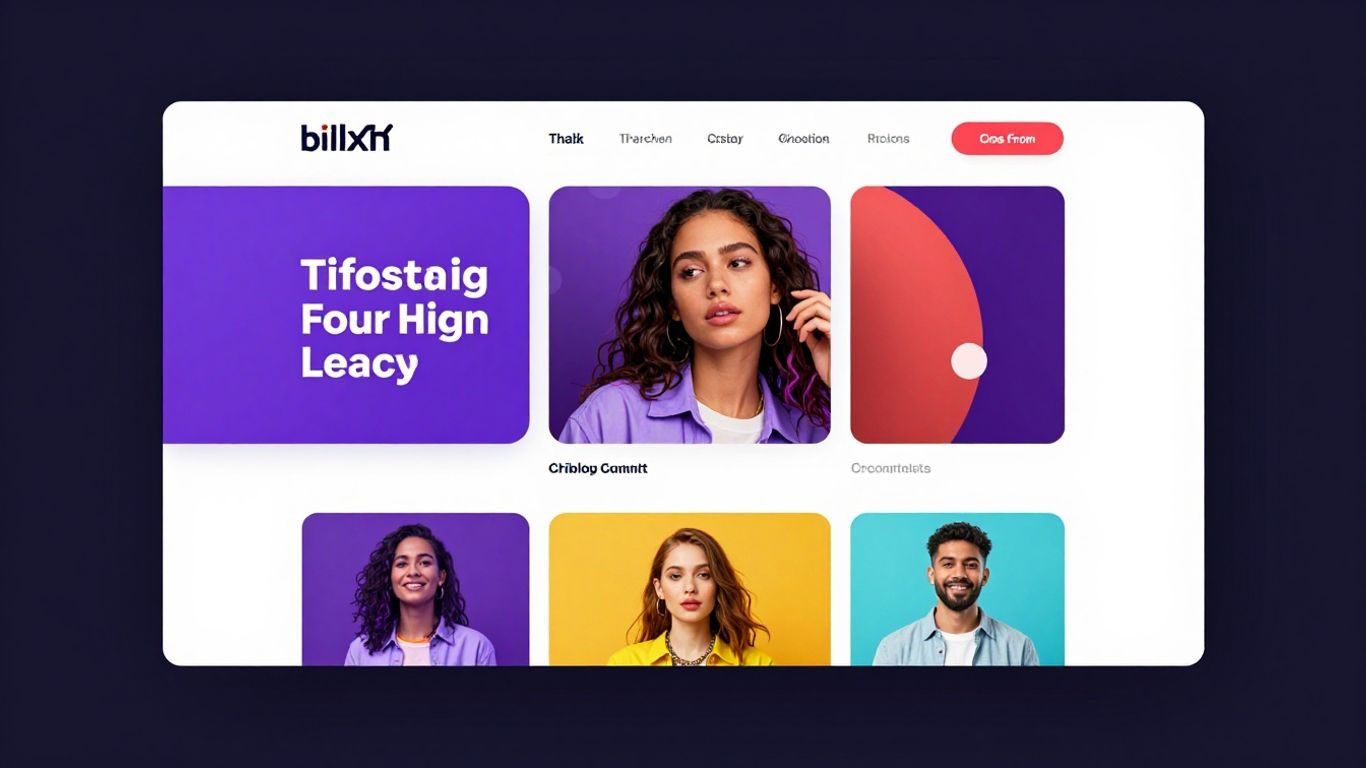
Websites that just sit there can feel a bit flat, can’t they? Adding interactive bits makes them feel alive and gives people a reason to stick around. It’s about making the experience more than just reading text or looking at pictures. Think about those little animations that happen when you hover over a button, or a form that gives you instant feedback. These small touches make a big difference in how people feel about your site.
Microinteractions That Guide
Microinteractions are those tiny, often unnoticed, moments where a digital product does something specific in response to a user’s action. They’re the little helpers that make using a website feel smooth. For example, when you successfully submit a form, and a little checkmark appears, that’s a microinteraction. It confirms you’ve done something right. They can also guide you, like a button changing colour when you hover over it, showing you it’s clickable. These subtle cues are incredibly important for user experience. They reduce confusion and make the whole process feel more natural. It’s like having a friendly guide showing you the way without being intrusive.
Animated Graphics That Engage
Moving graphics can really grab attention. Instead of static images, animated elements can tell a story, explain a process, or just add a bit of visual flair. This could be anything from a subtle fade-in effect as content appears on screen to more complex animations that demonstrate how a product works. Websites that use these kinds of dynamic visuals often feel more modern and engaging. They can break up blocks of text and make information easier to digest. For businesses looking to stand out, especially those in competitive markets, these animated touches can be a real draw. It’s a way to show personality and creativity. You can see some really forward-thinking examples of this in cutting-edge animations.
Personalised User Experiences
Making a website feel personal is a great way to connect with visitors. This doesn’t mean you need to know everyone’s name, but tailoring the experience based on their behaviour or preferences can make a huge impact. For instance, a site might remember what you looked at last time and suggest similar items. Or, it could show different content depending on whether you’re a new visitor or a returning customer. This level of personalisation makes users feel understood and valued. It’s a step beyond generic content and can lead to more meaningful interactions. For local businesses, this kind of thoughtful approach can really set them apart. It’s why services like Web Design in Horsham focus on creating done-for-you websites that are tailored to attract local customers, handling all the technical bits so you don’t have to worry.
Interactive elements, when used thoughtfully, transform a passive browsing experience into an active engagement. They provide feedback, guide actions, and add personality, making your website memorable and enjoyable to use.
Mobile-First Design For On-The-Go Access
These days, most people check websites on their phones. It’s just how we live. So, designing for mobile first isn’t just a good idea; it’s pretty much essential. This approach means you build your website with the smallest screens in mind from the get-go. Everything else, like tablets and desktops, gets scaled up from there. It forces you to focus on what really matters for the user experience.
Responsive Layouts That Adapt
Think about it: your website needs to look good and work well whether someone’s on a tiny phone screen or a big monitor. Responsive design is the magic that makes this happen. It’s not just about shrinking things down; it’s about rearranging content and elements so they make sense on any device. This means text is readable, buttons are tappable, and images load without taking forever. For businesses, this means reaching more people, wherever they are. If you’re in Horsham and want a website that works everywhere without fuss, there are local services that can help. They create done-for-you websites with all the bits and pieces included, so you don’t have to worry about the tech side.
Touch-Friendly Navigation
When people are using their phones, they’re usually tapping with their thumbs. This means buttons and links need to be big enough and spaced out properly. No one wants to accidentally tap the wrong thing! Mobile-first design naturally leads to this kind of thinking. It’s about making it easy for someone to get around your site quickly, even when they’re on the move. This is a big part of why mobile-first design is so popular.
Optimised Loading Speeds
Mobile users are often on slower connections, or they’re just impatient. If your website takes too long to load, they’ll leave. Period. Mobile-first design forces you to be smart about file sizes, images, and code. This results in a faster website for everyone, not just mobile users. It’s a win-win. A speedy site means happier visitors and better search engine rankings. It’s a key part of responsive web design that people often overlook.
Making sure your website works well on phones is no longer optional. It’s about meeting your customers where they are and giving them a good experience, no matter their device. This focus on the smallest screen first often leads to a better design for all screen sizes.
When you get the mobile experience right, it often improves the overall user journey. It’s about clarity and ease of use. This is why so many businesses are looking at accessible website design principles too, as they often overlap with good mobile practices. It’s all about making your site usable for everyone.
Effective Use Of White Space
Sometimes, the most powerful design tool is actually the absence of elements. We call this white space, or negative space, and it’s not just about leaving bits of the page blank. It’s about giving your content room to breathe. Think of it like a well-organised room; everything has its place, and there’s space to move around. Without it, a website can feel cramped and overwhelming, making it hard for visitors to find what they’re looking for.
Creating Visual Breathing Room
White space helps to break up large blocks of text and images, making the overall design feel less cluttered. This is really important for keeping visitors on your site longer. When a page looks too busy, people tend to click away pretty quickly. Giving elements space around them makes them stand out more, which is a good thing.
- Reduces visual clutter
- Improves readability
- Makes the design feel more professional
Guiding The User's Eye
Strategic use of white space can actually direct where a visitor looks on a page. By leaving more space around certain elements, you naturally draw attention to them. This is a subtle but effective way to guide users through your content, perhaps towards a key piece of information or a call to action. It’s like using signposts on a path, but with empty space instead of arrows. For businesses in Horsham looking to get more local enquiries without the technical hassle, getting this right is key. Services like web design in Horsham can handle all the technical bits, including copy and images, so you don’t have to worry about it.
White space isn’t just empty space; it’s an active design element that shapes perception and guides interaction.
Enhancing Content Focus
When you give your content space, it becomes more prominent. Imagine a single, important object placed in the centre of a large, empty stage – it commands attention. The same principle applies to web design. Well-placed white space makes your text, images, and calls to action stand out, ensuring that your message gets across clearly. It helps users focus on what truly matters on the page, without distractions. This clarity is something busy business owners really appreciate, as it means their message is more likely to be understood by potential customers.
Giving your website breathing room with white space is super important. It makes things look tidy and easy to read, stopping your visitors from feeling overwhelmed. Think of it like a tidy room – much nicer to be in! Want to make your website look its best and attract more visitors? Check out our tips on our website.
Putting It All Together
So, we’ve looked at some cracking websites that really show what’s possible when you get your online look right. It’s not just about making things pretty, though, is it? It’s about making sure people can find you, understand what you do, and want to get in touch. Think about these examples next time you’re planning your own site, or even just having a think about your current one. A good website can make a real difference to how many people come your way, and that’s got to be a good thing for any business, hasn’t it?
Frequently Asked Questions
What makes a website look really good?
A great website uses eye-catching pictures and videos to tell a story. Think of the main picture you see when you first land on a site – that’s the hero section! Good websites also have easy-to-browse picture galleries and videos that keep you watching.
How can I make sure people can find their way around my website easily?
This is all about making the navigation simple. A clear menu that’s easy to understand is key. Also, placing ‘call to action’ buttons (like ‘Buy Now’ or ‘Contact Us’) where people can easily spot them helps a lot. A search bar is good too, so visitors can quickly find what they’re looking for.
Why is the writing style (typography) on a website important?
The way text looks matters a lot! Using different fonts that go well together can make a site look professional. Making headings bigger than the main text helps people scan the page. And the main writing needs to be easy to read, so people don’t get tired eyes.
How do colours affect a website?
Colours can make people feel certain ways. Using your brand’s colours consistently helps people recognise your business. Leaving empty space around elements (white space) makes the design cleaner and helps guide the eye. It’s also important to pick colours that everyone can see, including people with sight problems.
What are 'interactive elements' and why use them?
These are little things that make a website more fun to use. Think of small animations that happen when you hover over a button or a graphic that moves slightly. These make the experience more engaging and can even be used to show visitors information that’s just right for them.
Why is it important for websites to work well on phones?
Most people use their phones to look at websites these days! So, a website needs to change its shape to look good on any screen size, from a big computer to a small phone. Buttons need to be easy to tap with a finger, and the site needs to load super fast so people don’t get bored waiting.