

Thinking about how your website looks and works on phones and tablets? It’s a big deal these days. People are browsing more on smaller screens, so making sure your site is easy to use everywhere is really important. We’ve gathered some great responsive web design examples to give you some ideas on how to make your own site look good and work well, no matter what device someone is using to visit it. Let’s take a look at some inspiration.
Key Takeaways
- Mobile-first design means thinking about small screens first, which usually makes things better for everyone.
- Using fluid grids and flexible images helps your site adjust to different screen sizes without breaking.
- Good navigation, like clear menus and buttons, is vital so people can find what they need easily on any device.
- Fast loading times are a must, especially for mobile users. Techniques like lazy loading can help a lot.
- E-commerce sites need to work well on phones, from browsing products to checking out securely.
Mastering Mobile-First Design: Key Responsive Web Design Examples
When we talk about responsive web design, the first thing that often comes to mind is making sure your website looks good on a phone. And honestly, that’s a massive part of it. Thinking about how your site works on the smallest screens first, before you even think about a big desktop monitor, is a smart way to build. It forces you to get to the heart of what you want to say and do on your website.
Prioritising User Experience on Small Screens
It’s easy to get carried away with fancy animations and loads of content, but on a phone, that can be a real pain. People are often on the go, maybe with one hand free, trying to find information quickly. So, making things easy to read and tap is super important. Think about the main things a visitor needs to do. Can they find your contact details easily? Is the main message clear? A good mobile-first design means the most important stuff is right there, front and centre.
- Clear Navigation: Menus should be simple and easy to open. No one wants to hunt for a way to get around.
- Readable Text: Font sizes need to be big enough to read without squinting. Line spacing matters too.
- Tap Targets: Buttons and links need to be spaced out and large enough to tap accurately with a thumb.
For busy business owners in Horsham, getting this right can feel like a big hurdle. That’s where services like Web Design in Horsham come in. They sort out low-cost, done-for-you websites, handling all the copy, images, hosting, and even local SEO. This means you get more local enquiries without having to wrestle with any of the technical bits yourself.
Fluid Grids and Flexible Images in Action
Remember when websites used fixed widths? Those days are mostly gone. Fluid grids mean your layout can stretch and shrink to fit whatever screen size it’s on. It’s like a stretchy fabric for your website. Images are similar; they need to resize themselves so they don’t break the layout or become tiny blobs. This is a core part of responsive web design techniques.
Content Prioritisation for Seamless Viewing
What’s the absolute must-have information for someone visiting your site on their phone? That’s what you need to figure out first. You might have a lot of great content, but on a smaller screen, you have to be a bit ruthless. Maybe a long blog post gets summarised, or a complex feature is explained in simpler terms. It’s about making sure the visitor gets what they need without feeling overwhelmed. This approach helps create a smooth and headache-free mobile experience.
Thinking mobile-first isn’t just about shrinking a desktop site. It’s a different way of planning your content and layout from the ground up, focusing on what’s most important for users on smaller devices.
Getting this right means your website works well for everyone, no matter how they’re accessing it. It’s a key part of optimizing your web design for today’s users.
Showcasing Stunning Visuals: Responsive Web Design Examples
Making your website look good on any screen is a big deal. It’s not just about making things fit; it’s about making them look great and load fast, no matter if someone’s on their phone, tablet, or desktop. This is where smart design choices really pay off.
Adaptive Images for Optimal Loading
We’ve all been there: waiting ages for a webpage to load, only to find out it’s because of a massive image file. Responsive design tackles this head-on with adaptive images. Instead of sending the same huge picture to everyone, the website serves up a version that’s just right for the user’s screen size and connection speed. This means quicker load times and a much happier visitor. It’s a simple idea, but it makes a huge difference to the user experience. For businesses in Horsham, getting this right is key, and services exist to handle website creation, including copy, images, hosting, and local SEO, so you don’t have to worry about the technical side.
Video Integration Across Devices
Video is a powerful way to connect with your audience, but it needs to play nicely on all devices. Responsive design ensures your videos are embedded correctly, resizing and adapting to fit different screen dimensions without looking stretched or cut off. This means your message gets across clearly, whether it’s a product demo on a smartphone or a company overview on a laptop. Getting your video to look good everywhere is just as important as the content itself.
Interactive Elements That Engage
Interactive features, like sliders, carousels, or even simple hover effects, can make a website feel more dynamic and engaging. Responsive design makes sure these elements work smoothly across all devices. A carousel that’s easy to swipe on a phone should also be simple to click through on a desktop. It’s about creating a consistent and enjoyable interaction, regardless of how someone is viewing your site. This attention to detail helps keep visitors on your page longer and makes them more likely to explore what you have to offer. Thinking about how users interact with your site is a big part of designing a website.
Good visuals aren’t just about looking pretty; they’re about making information easy to digest and keeping people interested. When design and function work together, the result is a website that truly performs.
Navigation That Works Everywhere: Responsive Web Design Examples
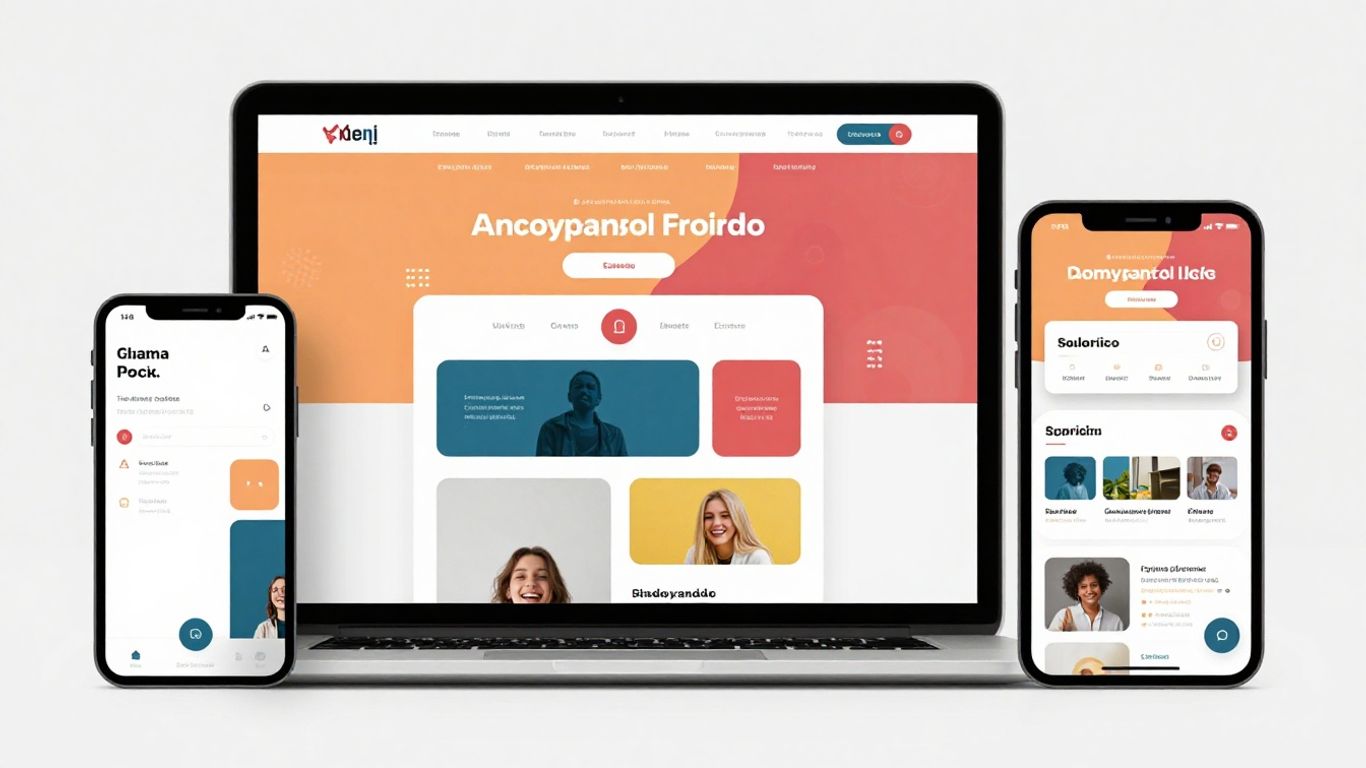
Getting around a website should be simple, no matter what device you’re using. When a site’s navigation is clunky on a phone, people tend to just leave. It’s that straightforward.
Hamburger Menus and Off-Canvas Navigation
These are popular for a reason. The ‘hamburger’ icon (three horizontal lines) is a familiar symbol that hides a menu, saving screen space on smaller devices. When tapped, it reveals a list of links, often sliding in from the side (off-canvas). This keeps the main content clean and uncluttered. Think about how much easier it is to browse when the menu isn’t taking up a chunk of your phone screen. For businesses in areas like Sussex, having a clear way for customers to find information is key. Services like Web Design in Horsham can help make sure your site’s navigation is spot-on, attracting more local enquiries without you lifting a finger.
Clear Call-to-Actions on All Devices
What do you want people to do when they visit your site? Buy something? Get in touch? Sign up? Whatever it is, the ‘call-to-action’ (CTA) button needs to be obvious. On a desktop, you might have more space for a prominent button. On a mobile, it needs to be large enough to tap easily with a thumb and stand out from the surrounding text. A well-placed, clear CTA can make all the difference to your conversion rates.
Intuitive Site Structure for Users
Beyond just the menu, how is your website organised? If users can’t easily find what they’re looking for, they’ll get frustrated. This means thinking about logical categories and how pages link together. A good structure means a user can move from a product page to related items, or from a blog post back to the main service page, without getting lost. It’s about making the journey through your site feel natural and easy. Exploring responsive layout patterns can give you ideas on how to organise content effectively across different screen sizes.
Good navigation isn’t just about hiding menus; it’s about making sure every path on your website is clear and leads users where they want to go, quickly and without fuss. This applies whether they’re on a big monitor or a small phone.
Performance Powerhouses: Responsive Web Design Examples
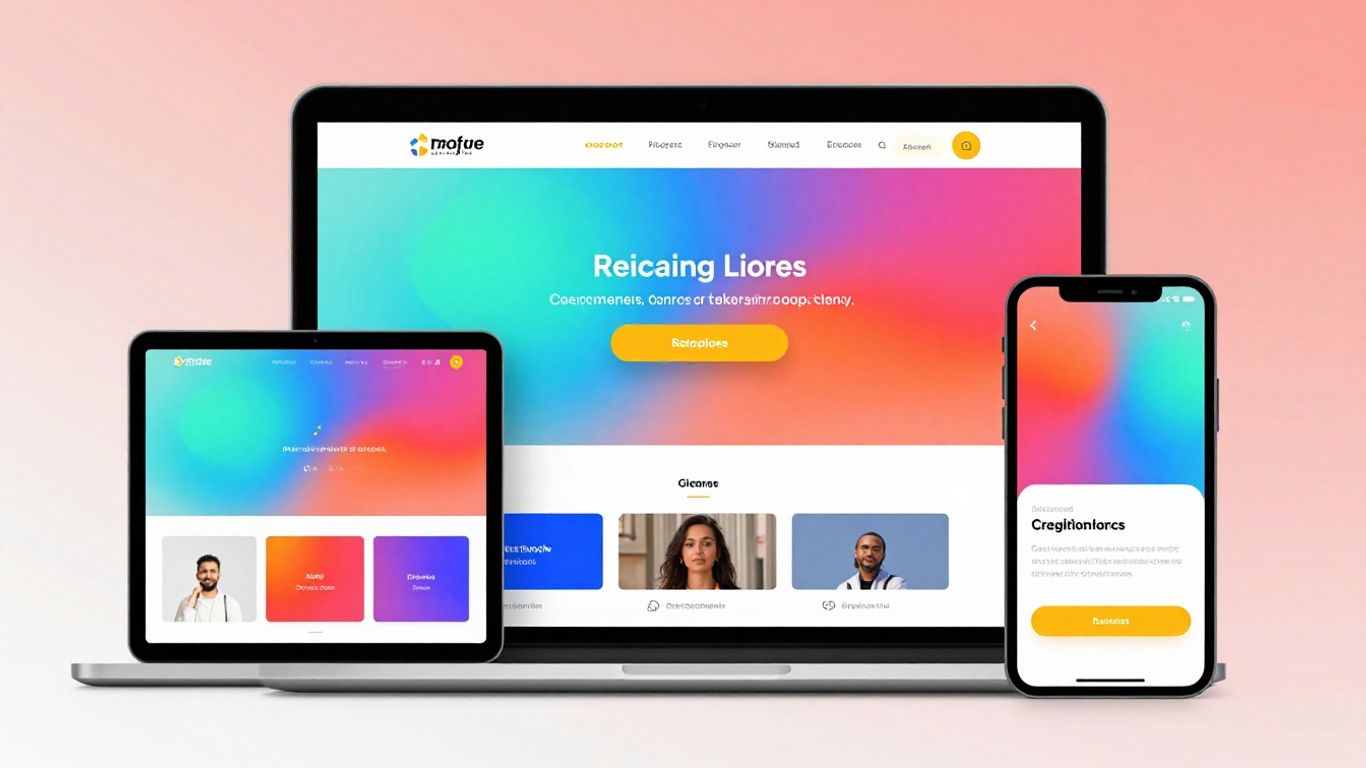
Nobody likes a slow website. It’s frustrating, and people just leave. When your site takes ages to load, especially on a phone, you’re losing potential customers. Responsive design isn’t just about how things look; it’s also about how fast they get there.
Optimising Load Times for Mobile Users
Think about it: most people browse on their phones these days. If your website is sluggish, they’re gone before you can even say hello. Speed is king, especially on mobile. We need to make sure images aren’t massive files that take forever to download. This means using the right file types and sizes. It’s also about making sure the code that builds your page is as lean as possible. For businesses in Horsham, getting this right is key. Local businesses can get done-for-you websites with copy, images, hosting, and local SEO from places like Web Design in Horsham for a low cost, meaning busy owners get more local enquiries without the technical hassle.
Lazy Loading Techniques for Speed
Lazy loading is a clever trick. Instead of loading every single image or piece of content on your page straight away, it waits until the user actually scrolls down to see it. This makes the initial page load much, much faster. Imagine a long page with lots of pictures; only the ones you can see load first. This is a big win for user experience and helps keep people on your site longer. Google also has some good advice on optimizing responsive web design to help with this.
Minimising Data Usage for All
Using less data is good for everyone. It means faster loading on slower connections and saves people money on their mobile data plans. We can do this by compressing images, using efficient code, and only loading what’s absolutely necessary. Think about it like packing a suitcase – you only take what you need. This approach helps prevent the main JavaScript thread from getting bogged down, which is important for a fast and responsive feel as recommended for web app performance.
Making your website fast isn’t just a technical task; it’s about respecting your visitor’s time and connection. A speedy site builds trust and encourages people to stick around, explore your content, and hopefully, get in touch.
There are lots of ways to make sites quicker, like reducing the number of requests the browser has to make and using smart caching. It’s all about making things as efficient as possible so your website works well for everyone, no matter their device or internet speed. You can find more tips on minimizing HTTP requests and API calls to improve performance.
E-commerce Excellence: Responsive Web Design Examples
When it comes to selling online, making sure your shop works well on any device is a big deal. People browse and buy on their phones just as much as on their computers these days. If your online store isn’t set up right for smaller screens, you’re likely losing customers. It’s not just about looking good; it’s about making it easy for people to find what they want and complete a purchase.
Streamlined Shopping Carts on Mobile
Think about the last time you tried to buy something on your phone and the cart was a pain to use. Annoying, right? Responsive design means your shopping cart should be simple to view and edit, no matter the screen size. Buttons need to be big enough to tap easily, and the whole layout should be clear. A clunky cart is a sure way to lose a sale. For businesses in Horsham, getting a done-for-you website means this kind of detail is handled. You get a site with copy, images, hosting, and local SEO sorted, so you can focus on your business and get more local enquiries without the tech headaches.
Product Galleries That Adapt
Showing off your products is key. On a desktop, you might have a wide layout with multiple images. On a phone, that needs to shrink down nicely. This means images should resize without losing quality, and users should still be able to swipe or click through them easily. It’s about making the browsing experience pleasant, not a struggle. You want customers to see your items clearly, just like they would in a physical shop. Exploring impressive and high-converting online store designs can give you a good idea of what works well.
Secure Checkout Experiences
This is where trust really matters. A responsive checkout process needs to feel secure and straightforward. Form fields should be easy to fill out on a phone, and payment options should be clear. Customers need to feel confident that their details are safe. If the checkout looks broken or confusing on their device, they’ll probably just leave. Making this part of the process smooth is vital for turning browsers into buyers. It’s a simple step that makes a huge difference to your bottom line.
Beyond the Basics: Advanced Responsive Web Design Examples
So, you’ve got the basics of responsive design down. Your site looks okay on a phone and a desktop. But what about really pushing the boundaries? This is where things get interesting, moving beyond simple resizing to truly smart adaptation.
Utilising CSS Grid and Flexbox Effectively
Forget the old ways of trying to make layouts work with floats and hacks. CSS Grid and Flexbox are the modern powerhouses for building complex, responsive structures. They give you fine-grained control over how elements align and space themselves, no matter the screen size. Think of it like building with digital LEGOs; you can snap pieces together in sophisticated ways that just weren’t possible before. This makes creating intricate designs, like multi-column layouts that reflow beautifully on smaller screens, much more straightforward. It’s a game-changer for anyone serious about web design in Horsham.
Server-Side vs. Client-Side Responsiveness
We often talk about responsive design as something that happens in the browser (client-side), using things like media queries. But what if the server could help out? Server-side responsiveness means the server sends different versions of a webpage based on the device requesting it. This can be great for performance, especially on slower mobile networks, as you’re not sending unnecessary code. It’s a bit more complex to set up, but for sites with very specific performance needs, it’s worth considering. It’s about making sure the right content gets to the right device, as quickly as possible.
Accessibility Considerations in Design
This is a big one, and frankly, it should be part of all responsive design, not just the advanced stuff. Making sure your website is usable by everyone, including people with disabilities, is non-negotiable. For responsive sites, this means thinking about:
- Keyboard navigation: Can someone navigate your entire site using just a keyboard?
- Screen reader compatibility: Is the content read out logically and understandably?
- Sufficient colour contrast: Are text and background colours easy to distinguish?
- Resizable text: Can users zoom in without breaking the layout?
Good responsive design isn’t just about looking good; it’s about being usable by absolutely everyone. For busy business owners in Horsham, getting this right can feel like a mountain to climb. That’s why services like low-cost, done-for-you websites are so helpful. They handle the technical side, including copy, images, hosting, and local SEO, so you can focus on your business and get more local enquiries without the technical headaches. It’s about getting a professional online presence without the stress. You can find great examples of adaptable and user-friendly digital experiences across all devices.
Thinking about advanced responsive techniques can seem daunting. However, the core idea is simple: make your website work brilliantly for every single visitor, regardless of how they’re accessing it. It’s about thoughtful design and smart implementation, not just fancy tricks. The goal is always a positive user journey, and that’s something every website needs.
Ready to move past the basics? Our section on "Beyond the Basics: Advanced Responsive Web Design Examples" dives into some really cool ways to make websites look great on any device. We explore clever tricks and modern techniques that can make your site stand out. Want to see these advanced ideas in action and learn how to build stunning, adaptable websites? Visit our website today to explore these examples and get inspired!
Putting It All Together
So, we’ve looked at some cracking examples of websites that really work well on any screen. It’s clear that good design isn’t just about looking pretty; it’s about making things easy for people to use, no matter how they’re browsing. Whether you’re on a big monitor or a small phone, a site that adapts makes a real difference. Think about your own site – is it doing the job for everyone? If not, maybe it’s time to get it sorted. A well-designed, responsive website can really help your business connect with more customers online.
Frequently Asked Questions
What exactly is responsive web design?
Imagine a website that looks great and works perfectly whether you’re using a tiny phone screen, a medium-sized tablet, or a big computer monitor. That’s responsive design! It means the website automatically adjusts its layout and content to fit whatever screen size you’re viewing it on, making it super easy to use.
Why is it so important for my website to be responsive?
Most people browse the internet on their phones these days. If your website isn’t easy to use on a small screen, visitors will get frustrated and leave. A responsive site ensures everyone has a good experience, which means more visitors stay longer, find what they need, and are more likely to become customers.
How does a responsive website actually change its look?
It’s clever! The website uses special code (like CSS) to detect the size of your screen. Then, it rearranges things: text might get bigger, images might shrink or stack differently, and menus might change. It’s all about making sure everything fits nicely without you having to zoom in or scroll sideways.
Does responsive design make my website load slower?
Not if it’s done right! Good responsive design actually helps websites load faster, especially on phones. It can do clever things like only loading images that are needed for your screen size, so you don’t waste time waiting for big pictures to download.
Is it expensive to make my website responsive?
While building a brand new responsive website costs money, it’s often more cost-effective in the long run than having separate websites for different devices. Plus, many modern website builders and templates are already built to be responsive, making it easier and cheaper to get started.
How can I tell if my current website is responsive?
The easiest way is to try it yourself! Open your website on your phone or tablet and see how it looks. Can you read the text easily? Are the buttons easy to tap? Or do you have to zoom in and scroll all over the place? If it’s the latter, it’s probably not responsive.